Beautiful
Screen recordings made easy

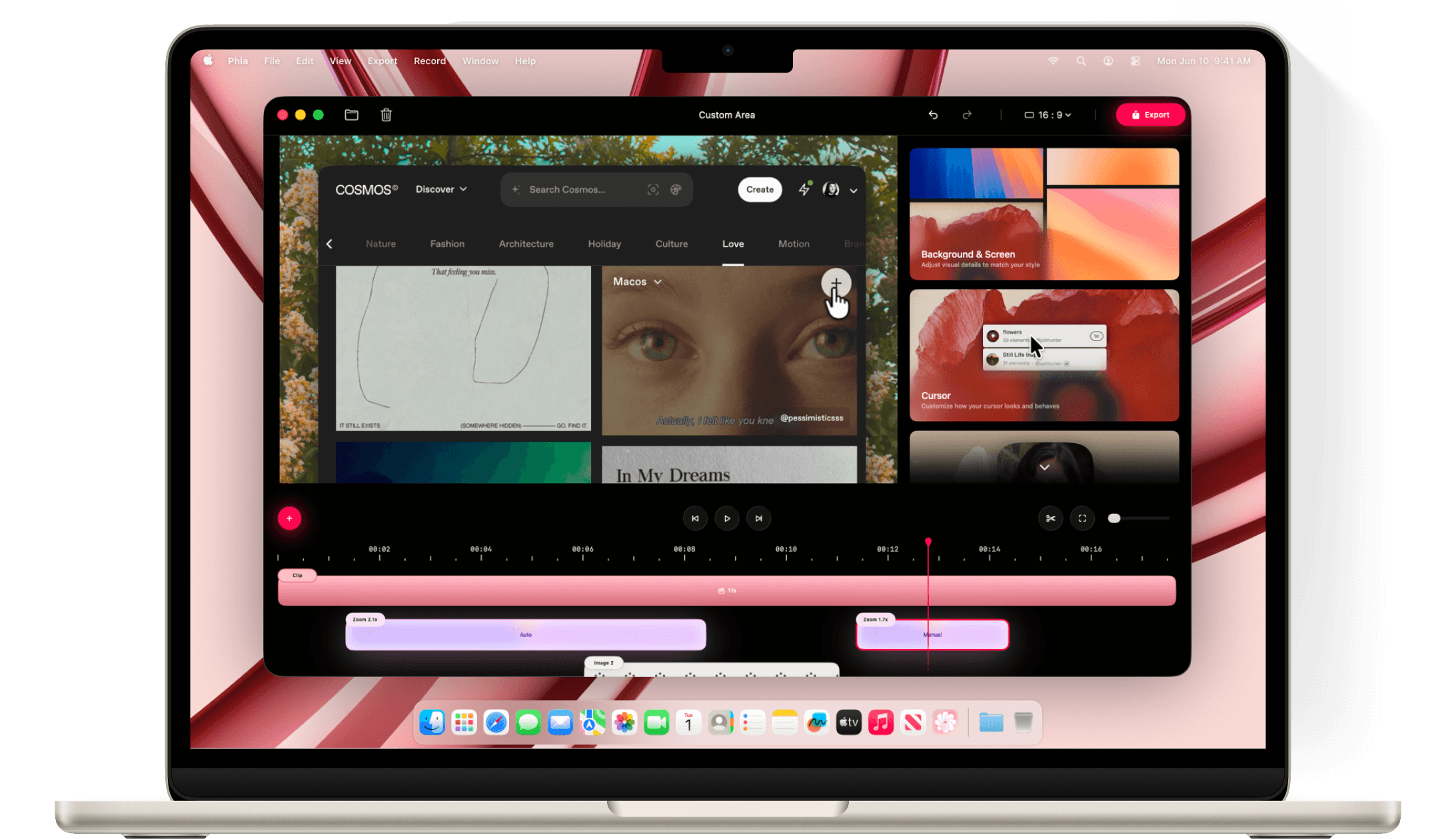
Record. Edit. Share
Phia is a modern screen recording app for macOS, designed to help you create beautiful videos without complex editing or advanced skills. It enhances your recordings automatically with smooth motion, intelligent zoom, and visual clarity. Whether you’re sharing a demo, a tutorial, or an idea, Phia makes every screen recording feel polished and ready to present.
Automatic zoom.
Phia automatically zooms into key interactions, helping your audience stay focused without distraction. Demos and tutorials feel clearer, more engaging, and effortless to watch.
Manual zoom.
Take control when you need it. Manually adjust zoom to highlight specific areas, guide attention, or create emphasis exactly where you want. Perfect for moments that need a personal touch.
Flexible exports.
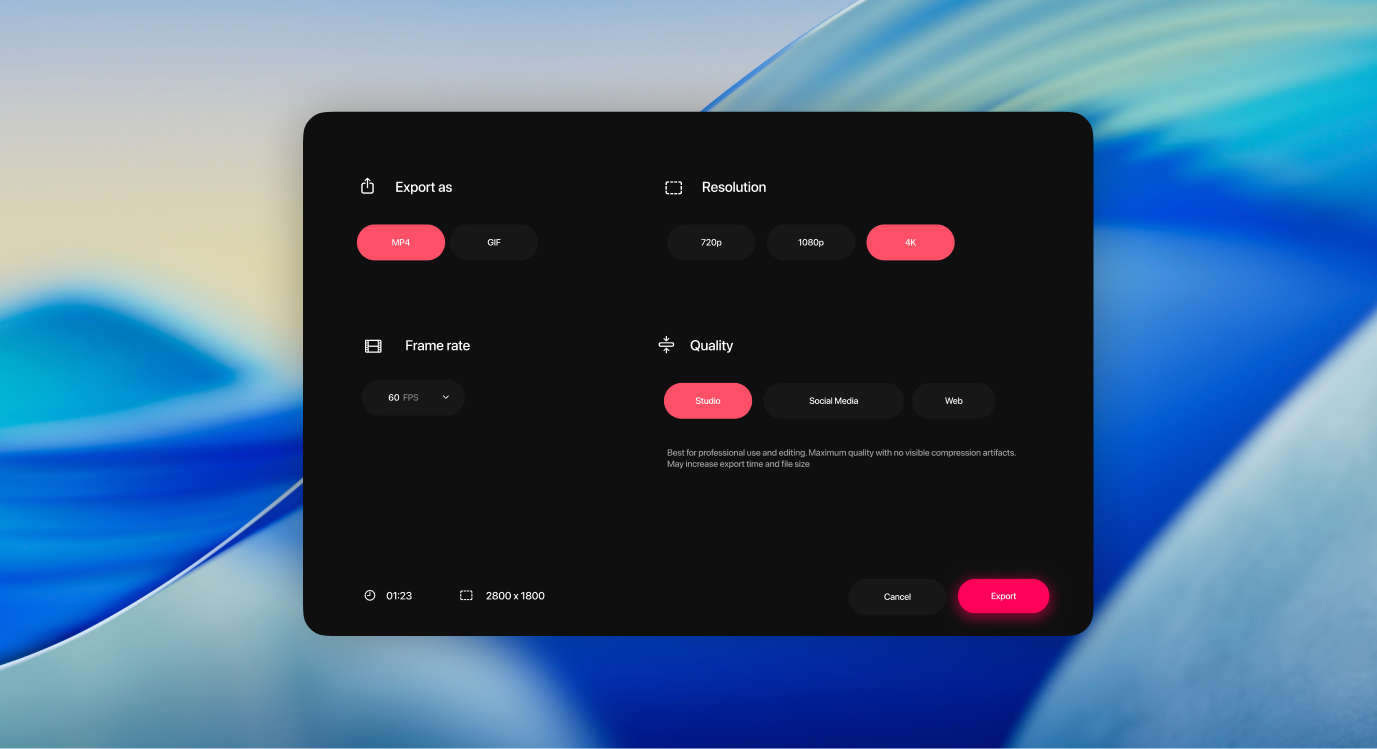
Pick the right aspect ratio for your video, from widescreen to vertical. Phia automatically reworks zoom and framing for a viewing experience that feels natural everywhere.
Smooth cursor movements.
Cursor movement is gently refined, so motion feels steady and intentional throughout your recording.
Adjust cursor size.
Change the size of the cursor after recording to improve clarity and make interactions easier to follow.
Automatically hide the cursor.
Static cursor moments can be gently removed, so your video stays clean and focused.
Cinematic branding.
Titles, backgrounds, and motion come together automatically, giving your video a polished, cinematic identity.
Ambient backgrounds.
Add subtle, animated backgrounds that move gently behind your content, creating a more immersive and engaging viewing experience.
Background and spacing.
Change the background and adjust spacing around your video to frame your content clearly and consistently.
Animated titles.
Add smooth, animated title that introduce context and give your recordings a professional finish.
Complete layouts.
Bring together titles, slides, images, and video into cohesive scenes that feel balanced, intentional, and ready to present.
Slides, integrated.
Add slides directly into your recording and control their color, timing, and animation so they feel like part of the video, not an overlay.
Text that moves with your story.
Add text with solid or gradient fills and refined animations, timed to appear and exit naturally as your recording progresses.
Images in context.
Place custom images into your layout and choose how they enter the scene, with subtle transitions that keep everything smooth and focused.
Video within video.
Combine multiple videos in a single composition and control how each one transitions in, creating richer and more dynamic presentations.
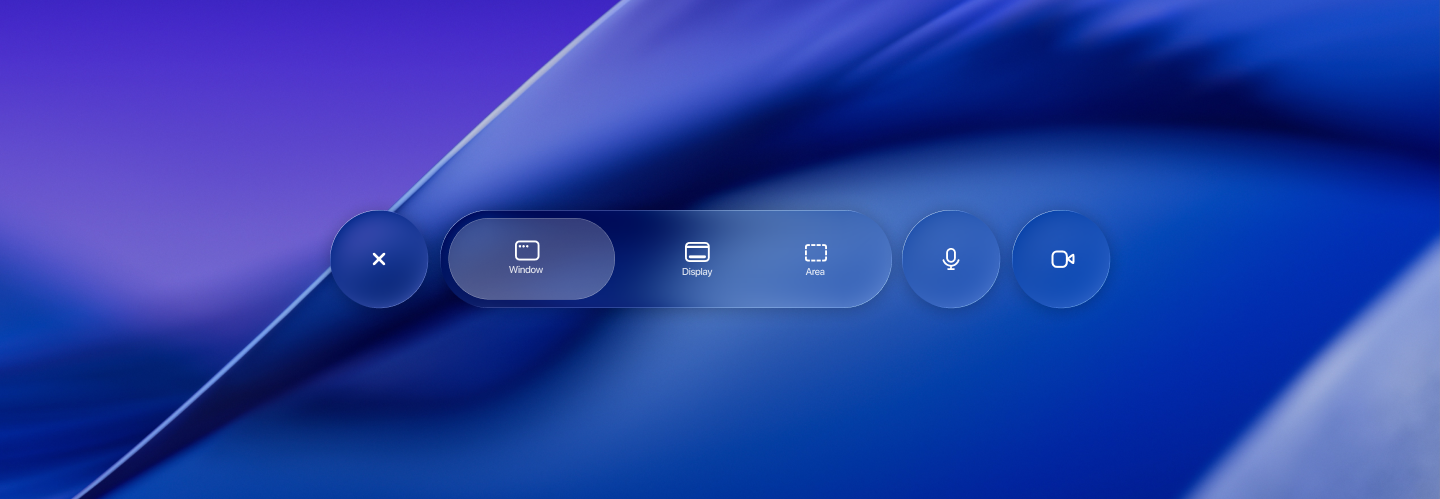
Built for presence.
Record your webcam, microphone, and captions together to add context and clarity. Your message comes through naturally, without extra setup.
Editable captions.
Generate transcripts automatically and fine-tune words, timing, and phrasing so captions read clearly and accurately.
Webcam, your way.
Adjust size, shape, roundness, and position to place your camera exactly where it belongs in the frame.
Keyboard shortcuts.
See shortcuts appear naturally as you use them, making fast workflows easy to follow without interrupting the flow of the video.
Cinematic motion.
Subtle motion blur and panning add depth and realism to camera movement, keeping motion smooth and natural throughout your recording.
Flexible webcam layout.
Show, hide, resize, or reposition your webcam at any point, so your presence always fits the moment.
Built for Mac.
Exclusively.
Designed exclusively for macOS, using modern Apple technologies for speed, efficiency, and a truly native experience.

Apple Silicon
Phia runs natively on Macs powered by Apple silicon, delivering exceptional performance, efficiency, and responsiveness across recording and rendering.

Metal
Using Metal, Phia taps directly into the GPU to power smooth motion, real-time effects, and high-quality video processing.

SwiftUI
The interface is crafted with SwiftUI, delivering fluid animations, precise interactions, and a clean macOS experience.
Simple pricing.
No subscriptions.
Phia is available as a one-time purchase. Pay once, own it forever — with no recurring fees and no surprises.
Mac license
A native macOS app designed for focused, private work. Buy once and use Phia on your Mac with no subscriptions and no recurring fees.
 Native macOS app
- Lifetime license
- Free updates
- Files saved locally
- Works fully offline
- All features unlocked
Per device, includes lifetime updates


Start recording beautifully.
Creators, teams, and professionals trust Phia to make screen recordings that look polished and ready to share.